
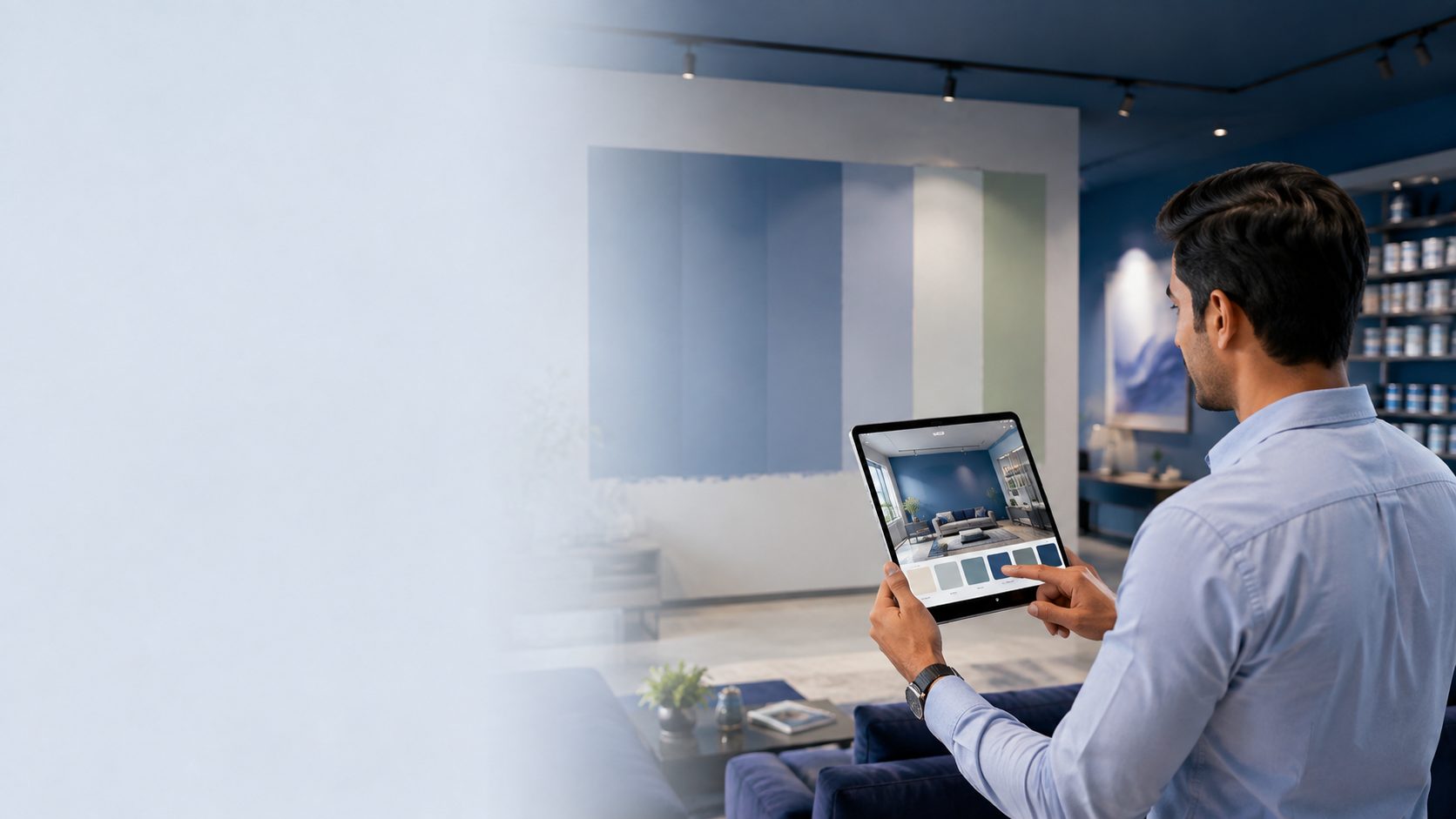
Colour Visualiser
Your wall. Your photo. Your colour.
Photograph the room or the building, tap the wall, and see an Anupam shade on it — with the shadows, sunlight and texture of the actual surface preserved.
📷
Upload a photo of your wall
On a phone you can take the picture now. Straight-on shots in even daylight work best — avoid strong glare and heavy shadow.
Your photo stays on your device. Nothing is uploaded to us.
Getting an accurate preview
- • Shoot in even daylight — harsh sun and deep shade both distort colour
- • Stand square to the wall rather than at a sharp angle
- • If only part of the wall fills, raise the selection spread
- • Use the brush to tidy around switches, frames and skirting
- • Tap each wall separately to try two shades side by side
- • Screens vary — always confirm against a physical shade card
Sand 03
AP-0303
252 shades shown